Failed Mass Payouts: How to Handle Partial Batch Failures
To handle failed mass payouts, review every payment in the batch before retrying. Separate completed, pending and failed transfers, correct the cause of each confirmed failure, and resend only eligible unpaid payments. Reconcile all attempts against your payment records.
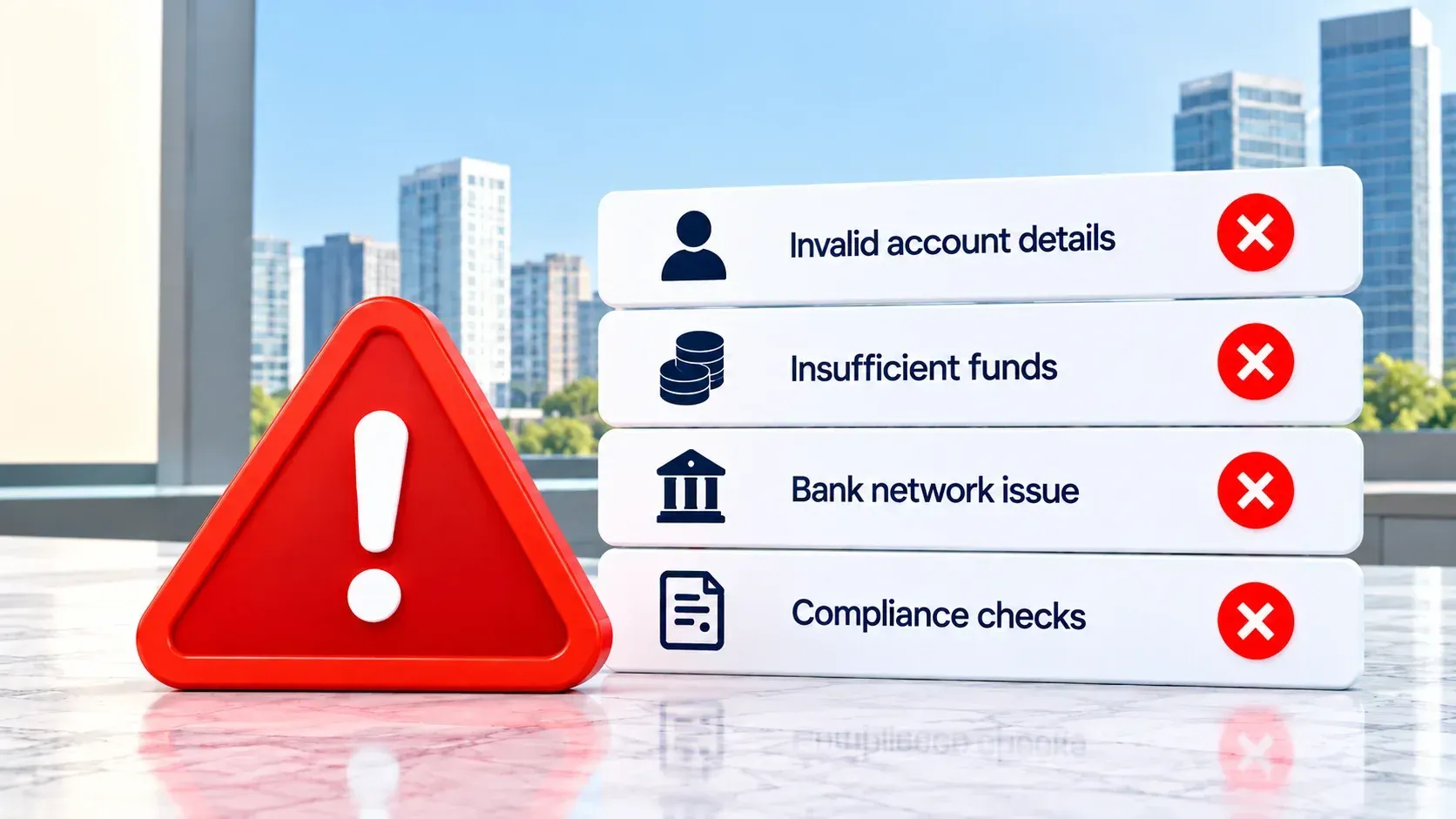
Sending payments in a batch saves time until a few recipients remain unpaid. If part of your mass payout fails, check the status of each payment before trying again. Leave completed transfers alone, investigate those still processing and correct confirmed failures before sending replacements.
One batch can produce several outcomes: a supplier is paid, a contractor’s payment is pending and another transfer is returned. Resending the whole file could pay recipients twice. Reviewing each payment separately shows your team which items need action.
For Canadian businesses paying suppliers and contractors abroad, recovery also means tracking payment references and checking the cost of any new currency conversion. MTFX bulk payment solutions help businesses send and track multiple international payments. This guide explains how to resolve exceptions and reconcile the full batch.
What is a partial batch payment failure?
A partial batch failure occurs when some payments in a group succeed while others fail or remain unresolved. Imagine submitting 100 supplier payments: 92 are completed, five fail and three are still processing. The batch has been submitted, but you cannot mark all 100 invoices as paid.
A batch organizes multiple payment instructions. Each recipient's payment still needs its own outcome. A provider may accept a file before every payment has finished processing, and a payment may encounter a problem after submission. That is why the batch summary alone cannot tell you who has been paid.
If you are new to this payment method, MTFX's guide to mass payments for global transactions explains the broader process. Here, the focus is what to do when an existing payment run does not go as planned.
What should you do first when some payouts fail?
Establish the outcome of the original payment run before creating another one. A useful response follows seven steps.
Step 1: Stop any full-batch resubmission
If a platform displays an error, do not immediately upload the same file again. The error could concern the upload, the batch request or only certain payments within an accepted batch. Check whether the original batch exists and save its reference number.
Step 2: Export the individual payment results
Download the payment report or review the dashboard. Capture each recipient's name or ID, invoice reference, amount, currency, payment reference, current status and any reported failure reason. Record when you checked the status because an in-progress payment can change later.
Step 3: Separate payments by outcome
Create four working groups: completed, pending or processing, confirmed failed and returned. Keep payments with an unclear status separate. Do not put an unknown payment on the retry list simply because its recipient has not yet seen the funds.
Step 4: Investigate each exception
Compare the provider's reported reason with the approved instruction. Are the bank details correct? Was the payment funded? Does the provider need more information? Did the recipient bank reject the transfer? The answer determines what your team should fix.
Step 5: Confirm the original attempt's final state
A pending payment may still complete. A returned payment may need time for the funds to appear back in your account. If the status is unclear, give your provider the original payment reference and request a trace before authorizing another transfer.
Step 6: Correct and retry eligible payments
Once a failure is confirmed, resolve its cause and follow your provider's retry process. Send only the payments that remain unpaid. Route corrected instructions through your normal approvals, especially if the recipient, amount or currency has changed.
Step 7: Reconcile the complete payment run
Match the original batch and any later attempts against provider records, account activity and your accounts payable ledger. Close each recipient's record only when its final payment outcome is clear.
These steps are particularly useful when a batch includes suppliers or contractors with different deadlines. Your team can prioritize an urgent unpaid invoice without disturbing transfers that have already completed.
| Field | Value |
|---|---|
Amount Payable (USD) 50,000 | |
Bank Exchange Rate 1.4545 / 0.6875 | |
Total cost 72,724.47CAD |
| Field | Value |
|---|---|
Amount Payable (USD) 50,000 | |
MTFX Exchange Rate 1.4295 / 0.6995 | |
Total cost 71,476.75CAD |
You Save
CAD 1,247.72
with MTFX
7 October 2026
We use mid-market rates. This is for informational purposes only. Log in to view send rates.
How do you tell a failed payout from a delayed one?
Payment platforms use different status names. The practical question is whether a payment is still moving, has definitively failed or has completed. Use your provider's definitions when interpreting its report.
An alert about a payment problem may not show its latest outcome. The lesson applies to your investigation: check the current payment record, not just an earlier message.
If a recipient's deadline is approaching, explain that you are investigating and give them a realistic time for an update. Avoid saying a replacement is on its way until it has been approved and sent.
Why do individual payouts fail in an international batch?
The most useful failure report tells you which payment failed and why. It turns a vague batch problem into an action for a specific recipient.
These are possible causes, not a universal set of failure codes. Your provider's report determines what happened to your payment. It also helps to identify when the problem occurred. A file rejected before any payments were created needs a different response from an accepted batch containing five payments that failed later.
Checking recipient details before submission can prevent some avoidable exceptions. If your business regularly pays overseas vendors, a consistent international invoice payment process can help your team keep invoice, beneficiary and payment information together.
How can you retry failed payments without paying recipients twice?
Treat each retry as a follow-up to an original payment, not as a new instruction with no history. Start with the original provider reference. If a request timed out or the screen stopped loading, a payment may still have been created. Search for the batch and the recipient payment. If you cannot establish the outcome, ask the provider to trace it.
Once a payment is confirmed as failed, preserve its original reference and record what you changed. You might correct a bank code, obtain a different account or provide missing information. Have the revised instruction approved before using the retry process supported by your provider.
Some API-based services use request identifiers to prevent duplicates, but the rules depend on the service and the situation. For example, PayPal's payout integration guidance explains how its identifiers are used when retrying an uncertain request. Do not apply another provider's technical rule to your own platform without checking its instructions.
For a finance team working through a dashboard, the practical rule is straightforward: find the original payment, confirm its outcome and send only what remains unpaid. If the outcome cannot be confirmed, investigate before releasing more money.
How do you reconcile a batch with partial failures?
Reconciliation is complete when every intended payment has a documented outcome, not when the batch file has merely been submitted. For each recipient, retain:
- The original batch and individual payment references.
- The recipient, invoice or contractor ID, amount and currency.
- The original status and any failure or return reason.
- The action taken, its approver and the date.
- The reference for any corrected payment.
- The final outcome and corresponding account activity.
Match the approved instruction to the provider's payment record, then to the money movement and accounting entry. If a payment was returned, record both the outgoing attempt and the return. If it was retried, connect the new reference to the original invoice so the ledger does not show two unrelated supplier payments.
Review amounts as well as counts. “Ninety-eight of 100 payments completed” does not reveal whether the two outstanding items total $200 or $200,000. Track unresolved amounts by currency when a batch contains payments to several countries.
A clear exception log also improves recipient communication. When a supplier asks about an invoice, your team can find its latest status, payment reference, owner and next action without searching through the entire payment run.
A worked example: 100 international supplier payouts
Suppose a Canadian business sends a batch containing 100 approved supplier payments. The first review produces the results below. These numbers are illustrative; actual status names depend on the provider.
The five failures may have different causes. Two could contain incorrect bank details, one might require additional information and two might have been rejected by recipient banks. Resolving those exceptions individually is more precise than editing and resending the full 100-row file.
The three processing payments need separate follow-up. If one completes later, its invoice can be closed. If another is returned, the team records the return and investigates before approving a replacement. By the end, the business should be able to show the outcome of all 100 original instructions and the references for any later attempts.
International retries can also affect costs. If a replacement requires a new CAD conversion, the available rate may differ from the original payment run. Check live exchange rates as a market reference, then confirm the actual payment rate, fees and recipient amount with your provider before approval.
Reduce FX costs on your international payments with MTFX.
How can finance teams prevent the next batch failure?
No validation process eliminates every bank rejection or delay. It can catch avoidable mistakes before a large payment run and make later exceptions easier to resolve.
- Validate recipient details and required country-specific fields before the payment deadline.
- Check invoice IDs, amounts, currencies and duplicate entries.
- Confirm funding and approvals before releasing the batch.
- Keep individual payment references alongside the batch reference.
- Assign someone to review pending, failed and returned items after submission.
- Set a rule for who can correct and approve a replacement payment.
- Reconcile outstanding items before marking the batch closed.
For recurring payment runs, build these checks into the process rather than relying on someone to remember them under deadline pressure. MTFX's payment automation solutions include bulk payments and approval controls that may be relevant to your workflow. If you are also deciding how to group recurring transfers, see this guide to batch payment optimization.
How can MTFX support international bulk payments?
MTFX provides bulk payment services for Canadian businesses sending money to multiple overseas recipients. Its published services include batch payment options, payment tracking, multiple currencies and support for business clients. For teams managing regular payment runs, MTFX can help with:
- Sending supplier, vendor and contractor payments internationally.
- Organizing multiple payments in batches.
- Tracking payments and investigating an outstanding transfer.
- Reviewing exchange rates when a payment needs to be sent again.
- Discussing recurring payment requirements with a specialist.
If you make frequent payments in different currencies, an MTFX multi-currency business account may also be relevant to how you manage balances and upcoming transfers. Ask your provider what status details, correction options and retry controls are available for your particular setup.


Get every payout back on track
When part of a batch fails, start with the status of each payment. Keep completed transfers off the retry list, investigate uncertain ones and correct confirmed failures. Record every original payment and retry so your team can resolve unpaid items without paying anyone twice.
If your business regularly pays overseas suppliers or contractors, MTFX can help you organize and track global payments across currencies.
Register with MTFX to simplify your next payment run and get support for your international transfers.
FAQs
1. What is a partial batch payment failure?
It means some payments in a submitted batch succeed while others fail, are returned or remain unresolved. Check each payment's status to establish who has been paid.
2. Does one failed payout mean the whole batch failed?
No. One failed payout does not establish the outcome of the other payments. Review individual results before taking action.
3. Can a payout fail after the batch is accepted?
Yes. Batch acceptance does not necessarily mean every recipient has been paid. An individual payment can encounter a problem during later processing.
4. Should I resend the entire batch?
Only if your provider confirms that no payments from the original batch were created and instructs you to do so. Otherwise, address the unpaid items individually.
5. When is it safe to retry a failed payout?
Retry after confirming the original attempt failed, resolving its cause and following your provider's approval and retry process. Investigate uncertain or pending payments first.
6. What should I do if a payment status is unknown?
Keep the original reference and ask the provider to trace the payment. An unclear status does not prove that no money was sent.
7. How do I prevent duplicate payouts?
Check the original outcome before retrying, avoid unnecessary full-batch resubmissions and use the duplicate prevention controls supported by your provider.
8. How do I reconcile successful and failed payments?
Match each approved instruction to its provider status, account activity, invoice and any retry or return record. Keep unresolved items open until their outcomes are known.
9. Can the exchange rate change when I retry an international payout?
It may. If a replacement requires a new currency conversion, confirm the current rate, fees and recipient amount before approving it.
10. What records should I keep for a corrected payment?
Keep the original batch and payment references, failure reason, corrected details, approval, new payment reference and final outcome. Link both attempts to the same invoice.